Pay to book
They approve the quote and put a deposit on your Stripe. The job only lands on the board when the money clears. No “maybe Tuesday.”
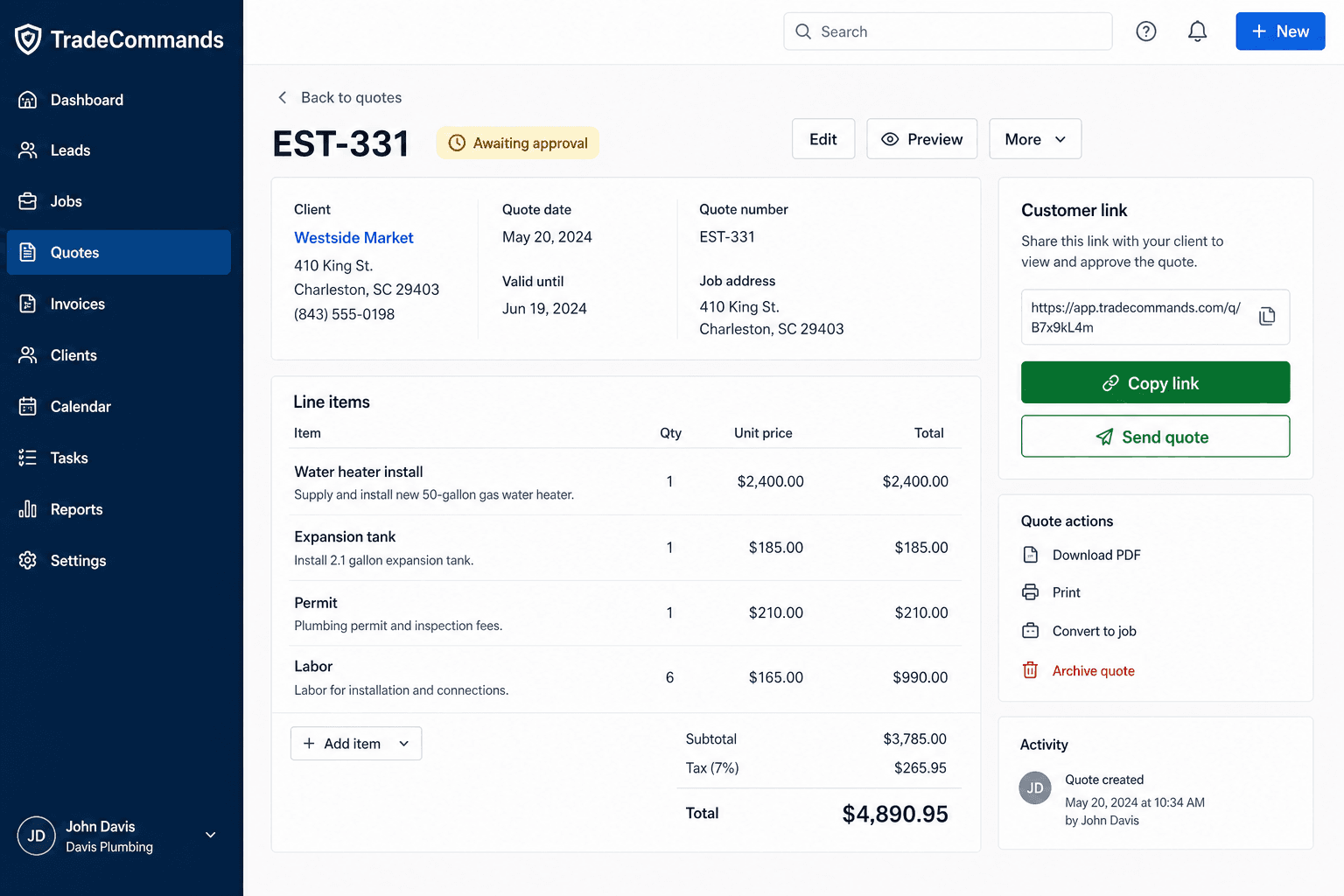
Quote the upgrade, take a deposit so the day is real, dispatch the truck, keep notes on the house, invoice with photos, collect remaining before you leave. TradeCommands is electrician scheduling software with the money loop built in — from $29/month, no annual contract.
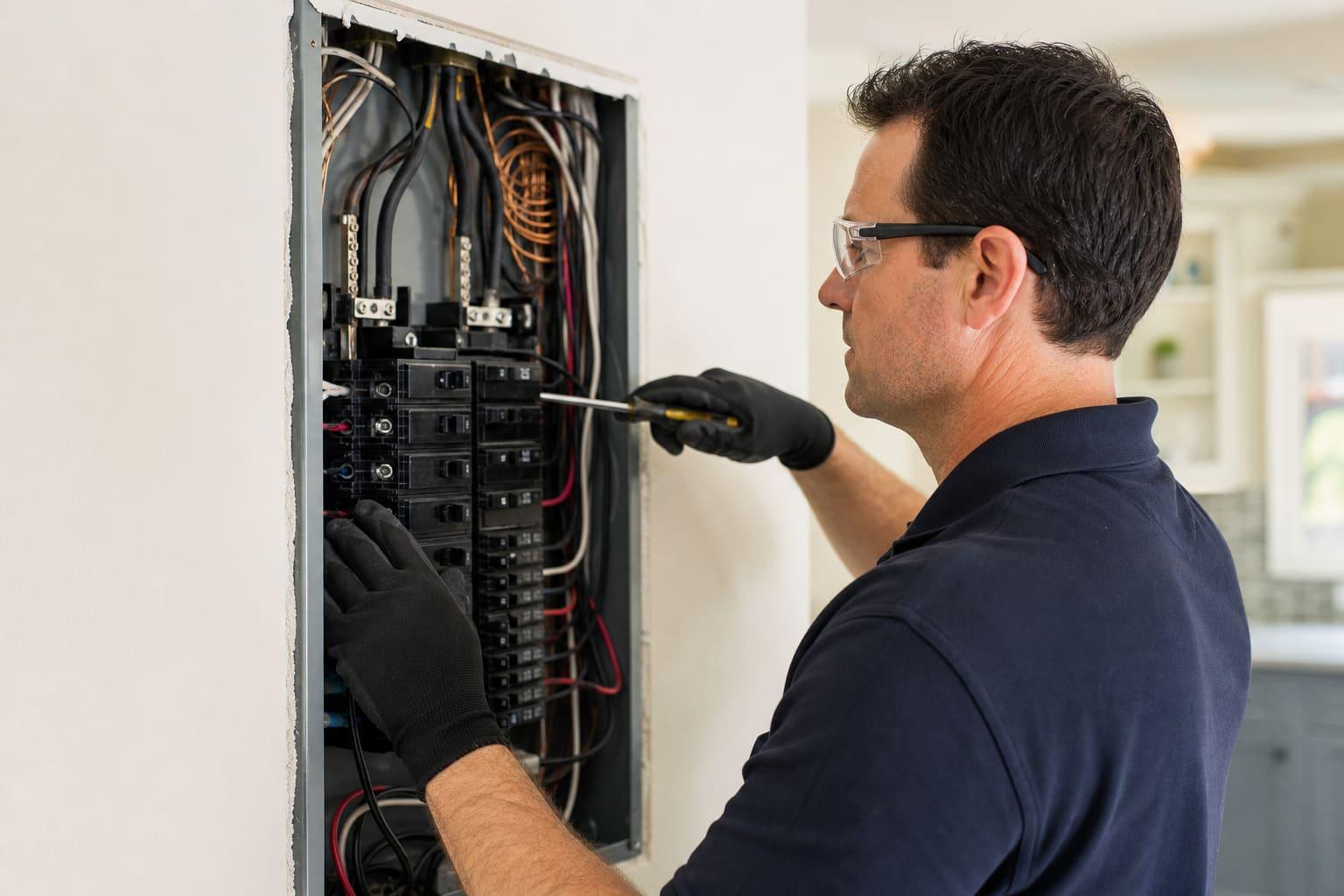
14-day trial. From $29/month.No annual contract. Cancel anytime.
Most “electrician scheduling software” is a calendar. This is a calendar that will not take a maybe, and a truck that will not leave $2,400 open.
They approve the quote and put a deposit on your Stripe. The job only lands on the board when the money clears. No “maybe Tuesday.”
Rough-in Tuesday, finish Friday. Same job record, same house file, same quote. Progress is not a text thread.
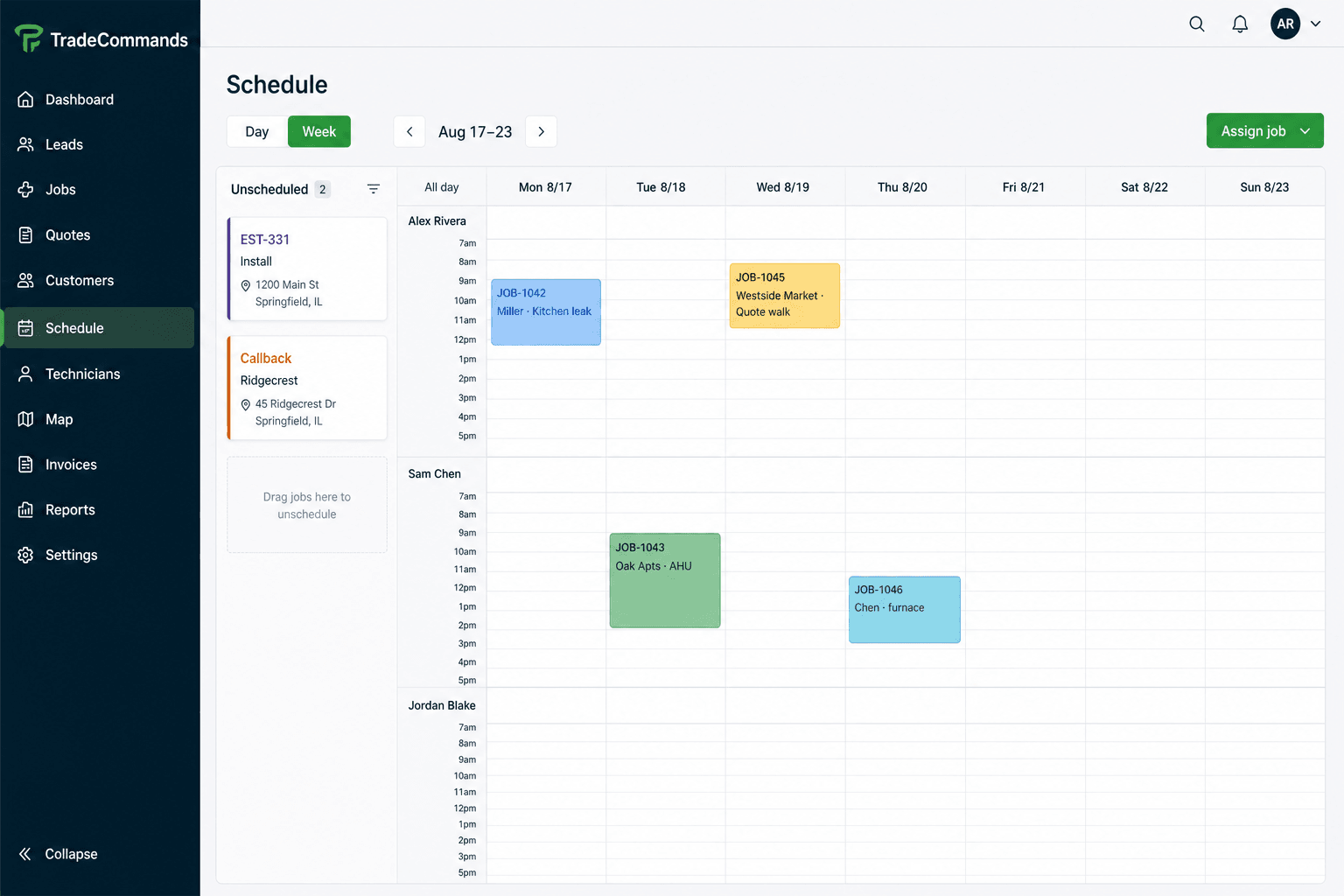
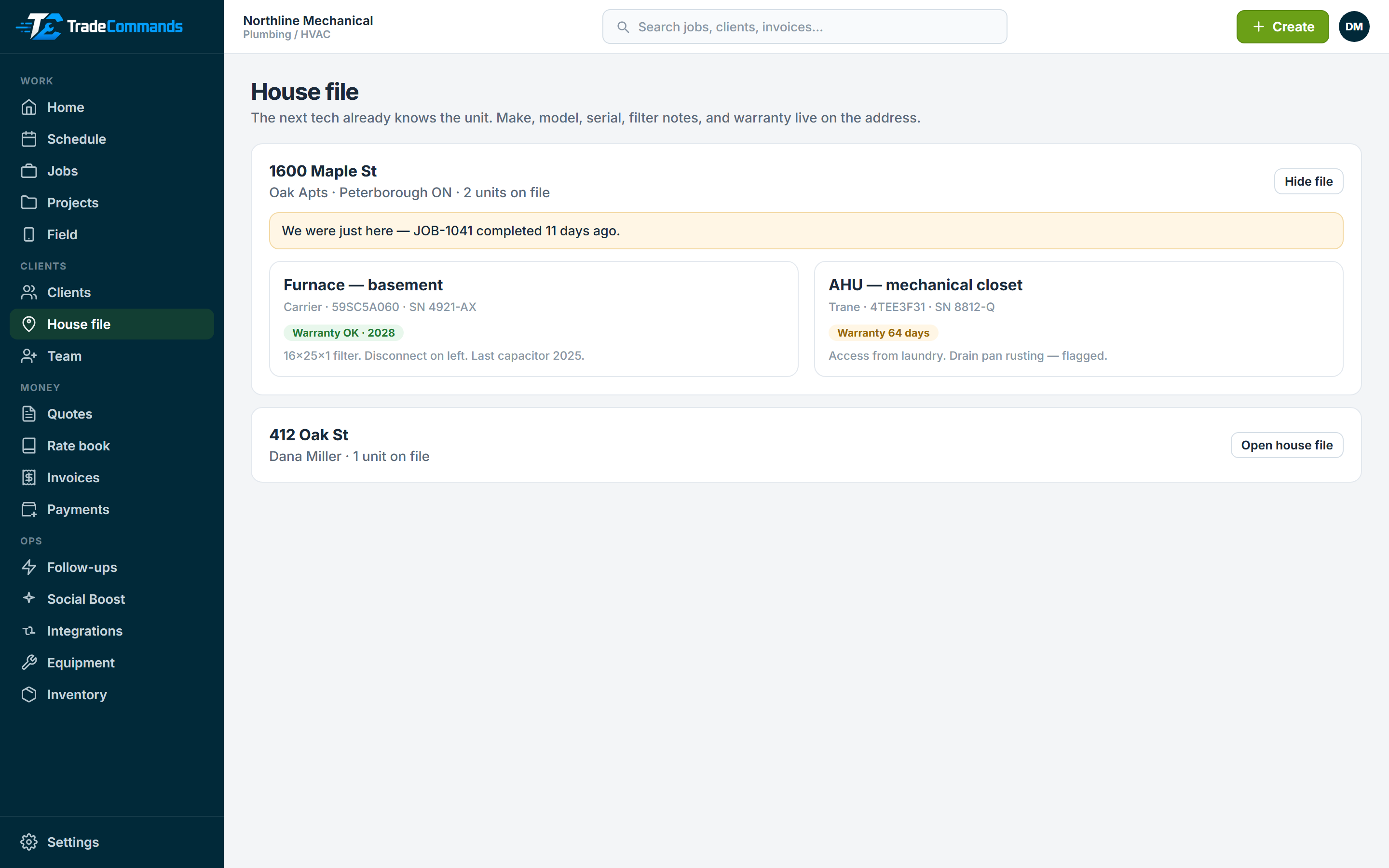
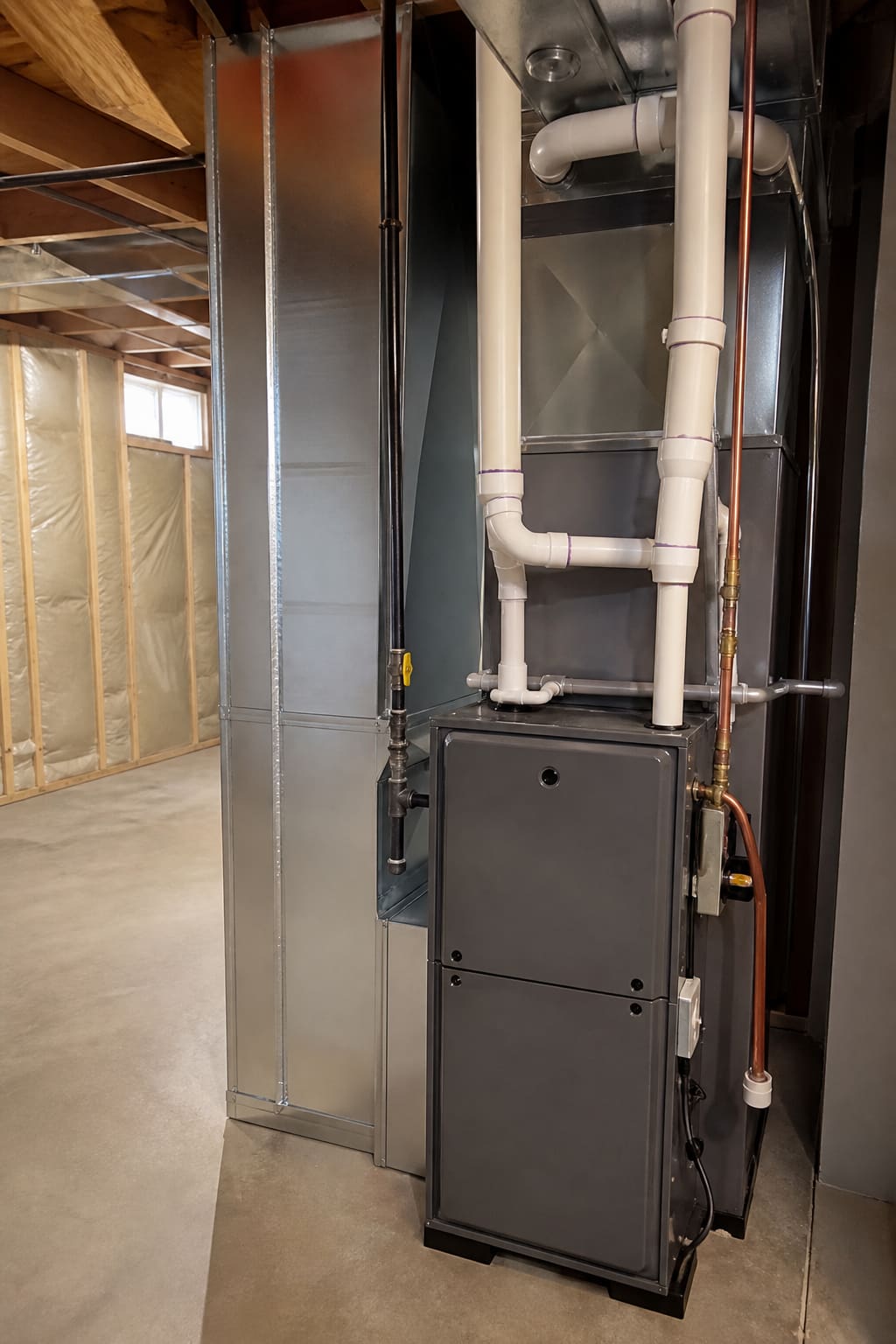
Make, model, serial, warranty, and “we were just here” sit on the address. The next tech already knows the unit.
Tech taps Complete, photos hit the invoice, and remaining balance is collected on the driveway. The work is not done while the bill is still open.
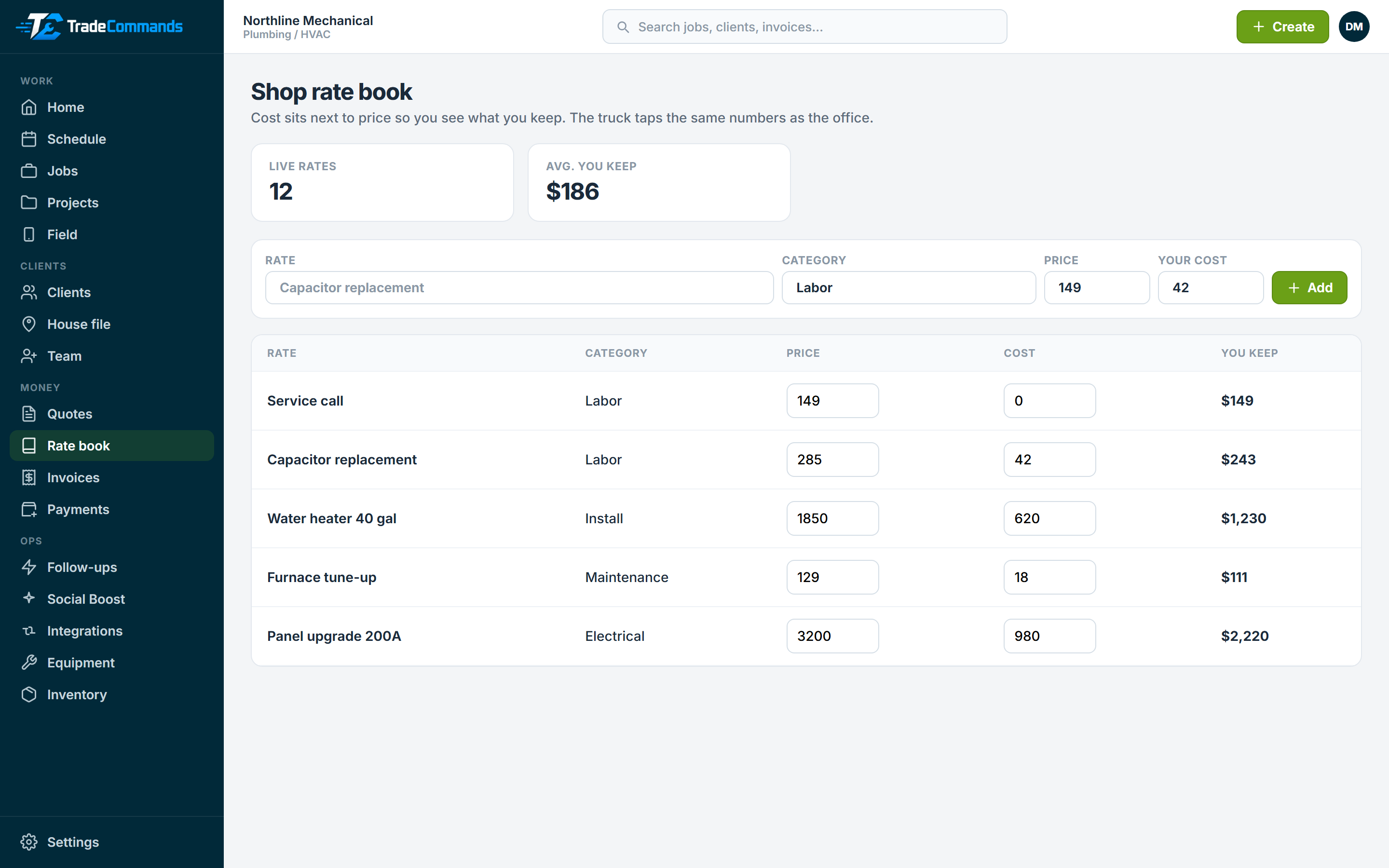
Office and truck tap the same prices. Cost sits next to price so the driveway does not invent a number.
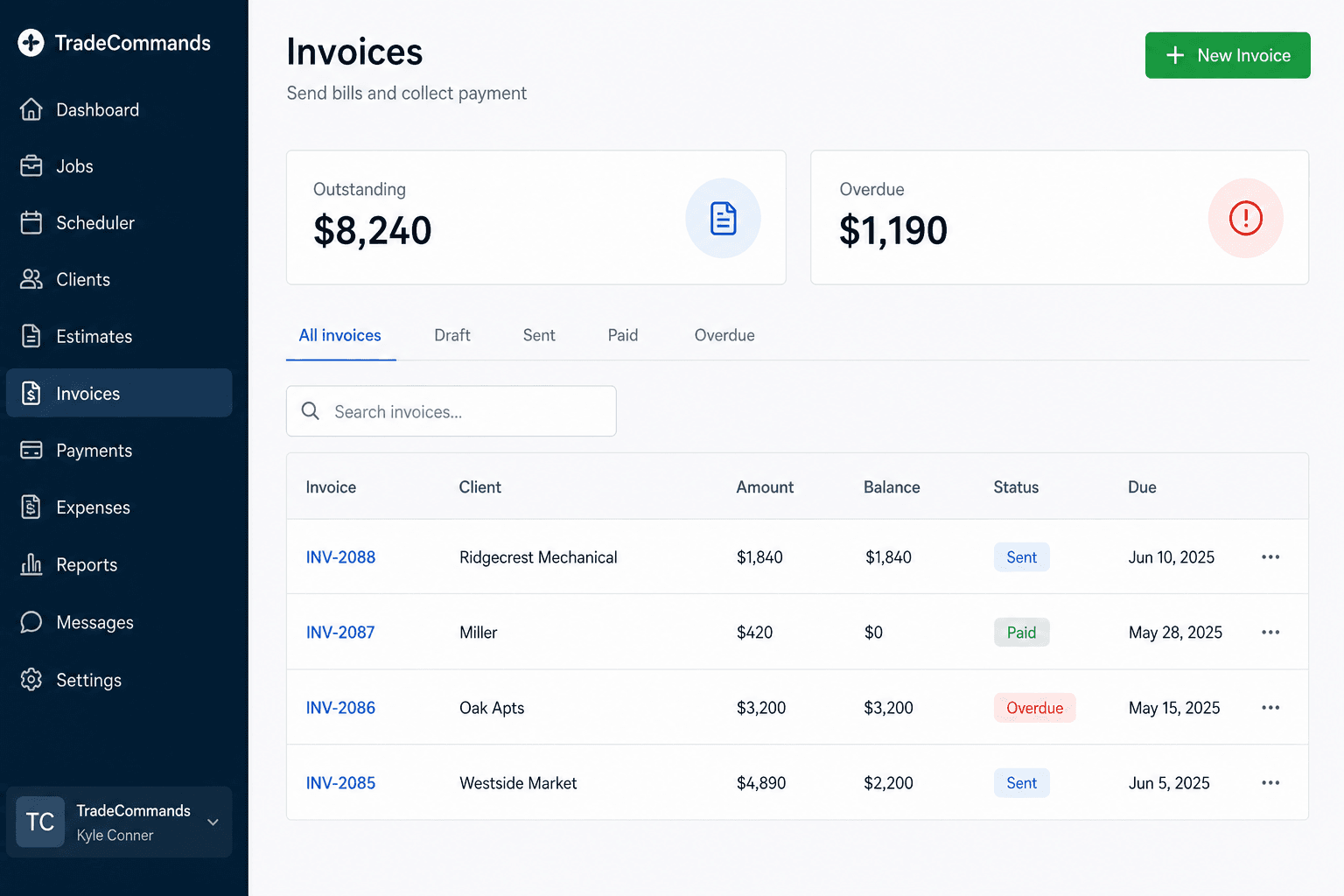
Quote nudges, invoice chases, and tomorrow’s visit — on by default, with the pay link in the email. Review asks wait until they pay.
Finish the job and you have a branded before/after for Instagram and Google Business Profile. Real photos. The other guys do not ship this.
Ready to run a real job on it?Trial is 14 days. Starter is $29. No annual contract.
Start free trialDashboard, schedule, quotes, invoices, field. Click a tile.
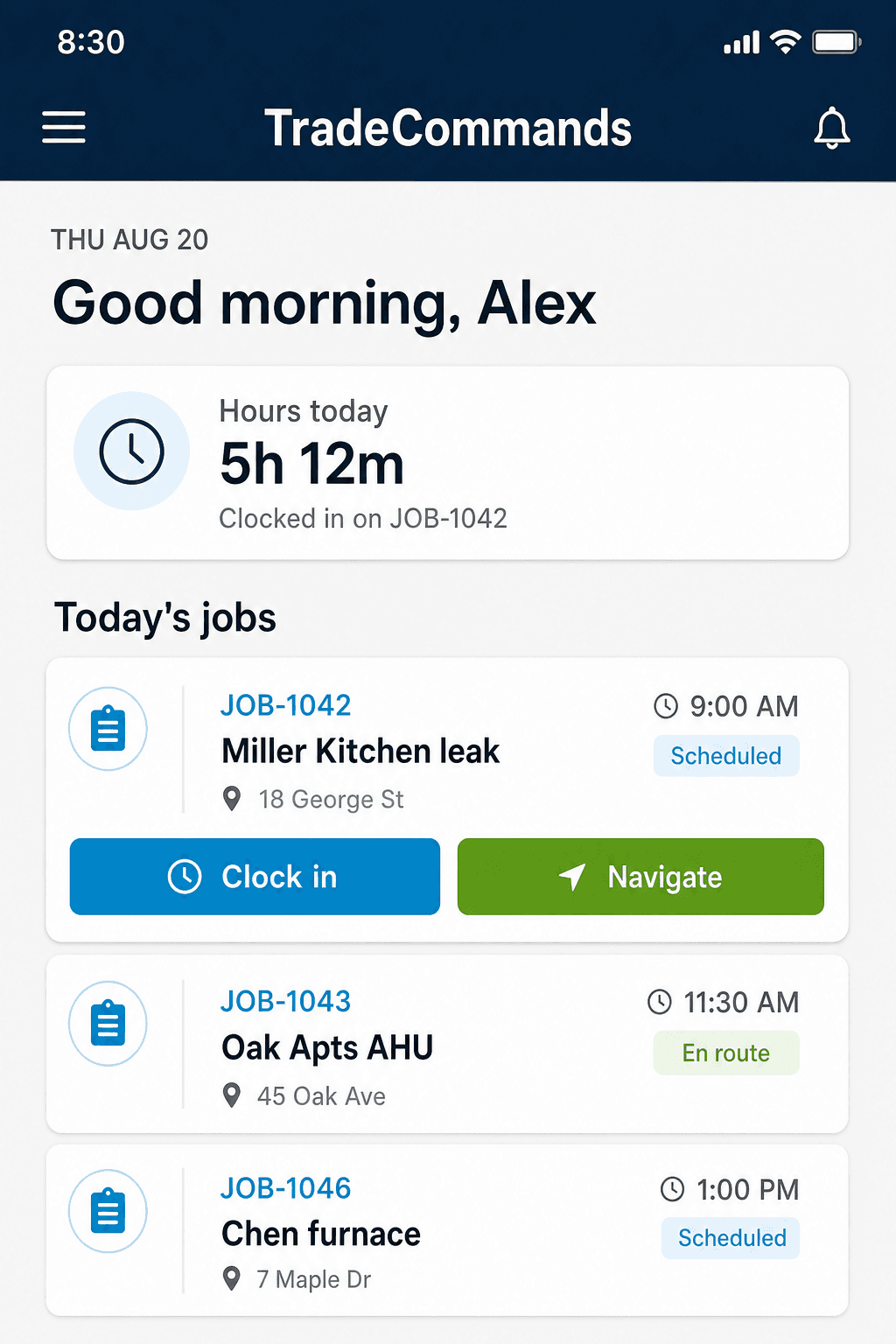
Drop work on a day, assign a tech, and see the week without a spreadsheet in the middle.
Yes. A breaker swap and a panel upgrade are both jobs. Put them on the schedule, assign a tech, invoice from the same record.
That is pay to book. They approve the quote and put money on your Stripe. The job hits the board when it clears.
We do not sell a permit-office product. Put the permit number and inspection date on the job notes and house file so the next visit is not a guess.
14-day trial. Starter $29 · Growth $99 · Pro $199. Month-to-month.
From $29/month · no annual contract
The extra Jobber does not ship
Real before and after photos, your shop name on the card, caption ready to paste into Instagram or Google Business Profile.