What is field documentation software?
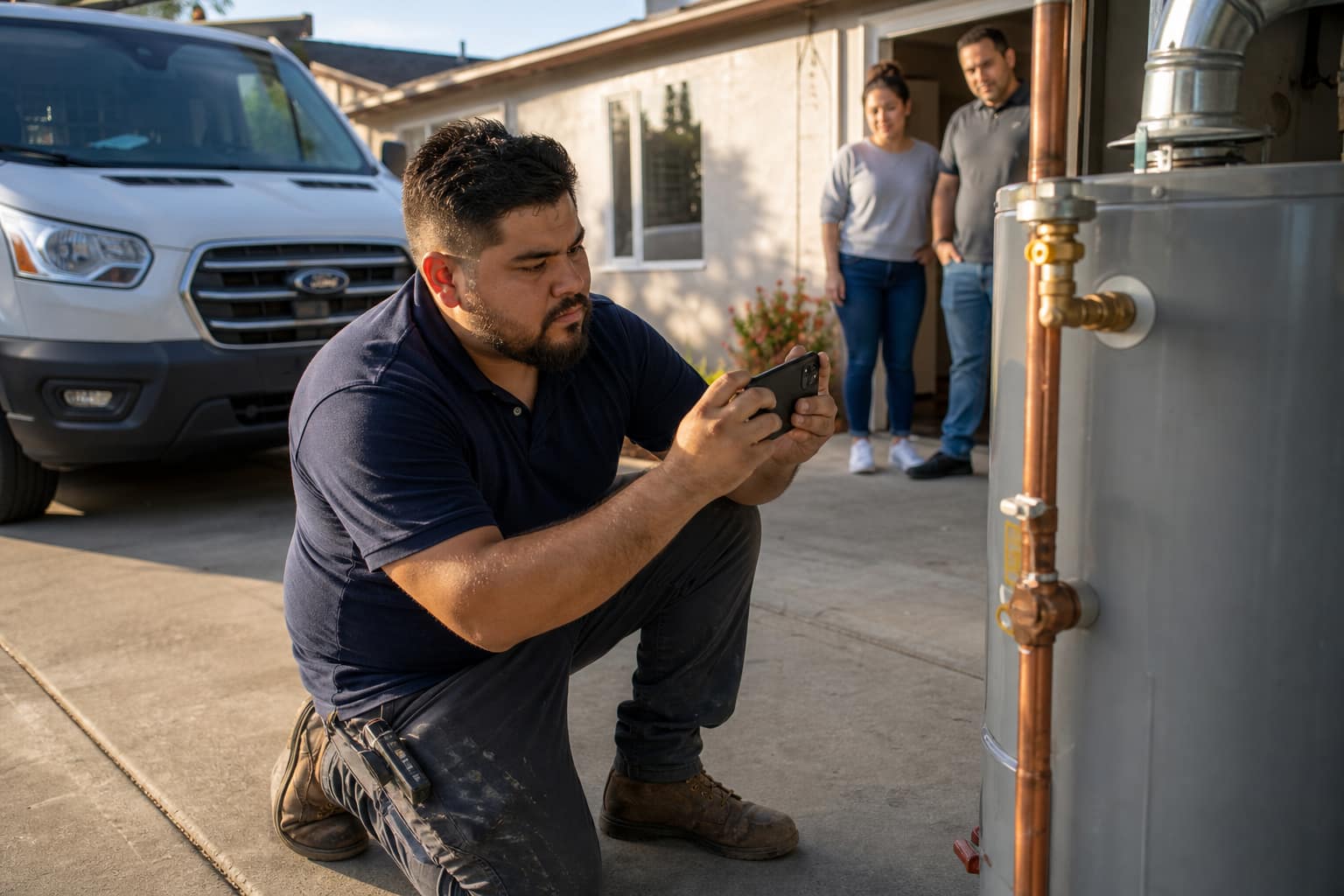
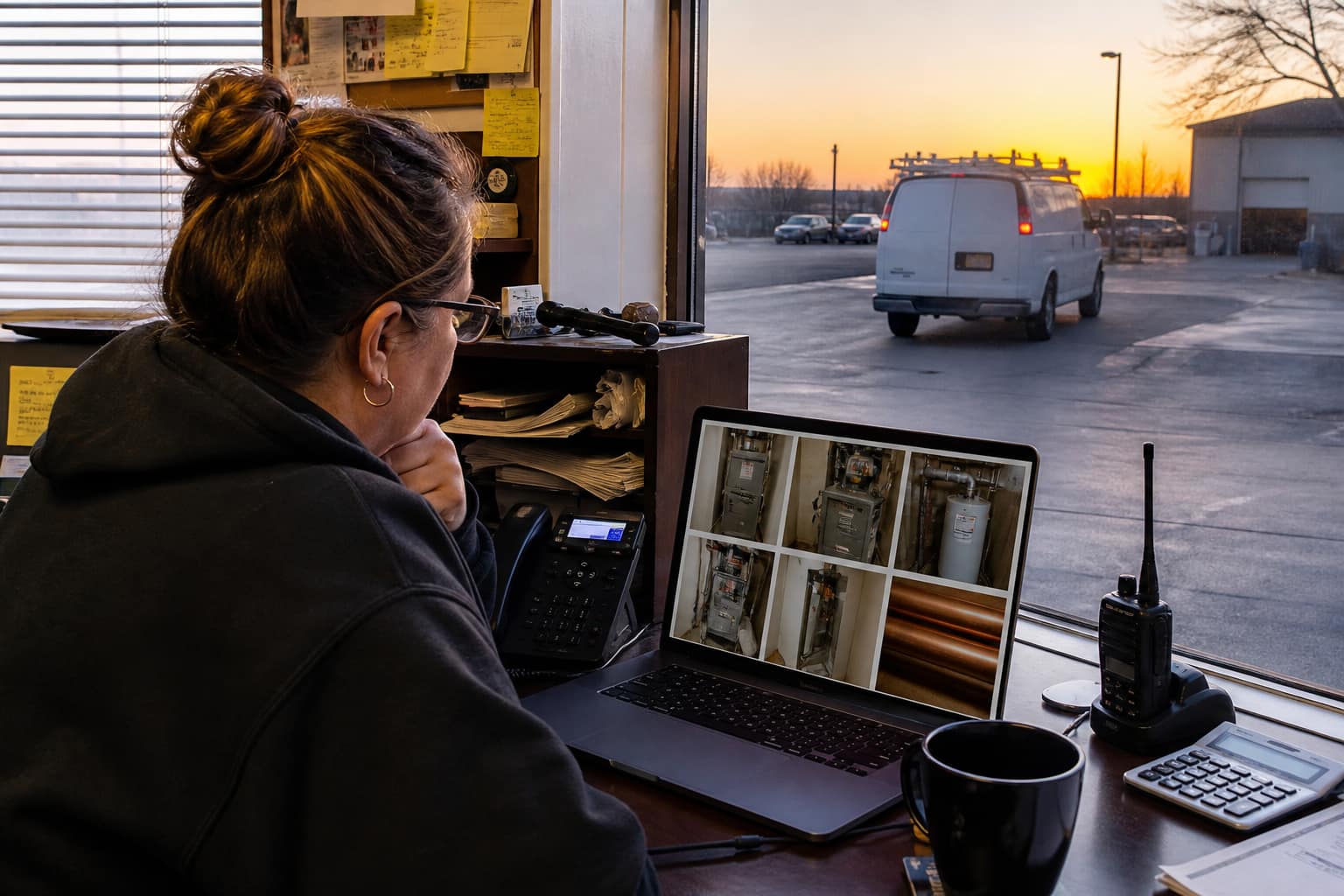
A record of what happened on the job: photos, notes, checklists, and the conversation. It lives on the job so the office, the next tech, and the invoice are looking at the same file — not a camera roll and a group text.
Why does a trade shop need jobsite documentation?
You cannot be on every driveway. Documentation is how you prove the work, win insurance questions, brief the next tech, and put before/after on the bill so the customer remembers what they paid for.
Can crews add notes from the field?
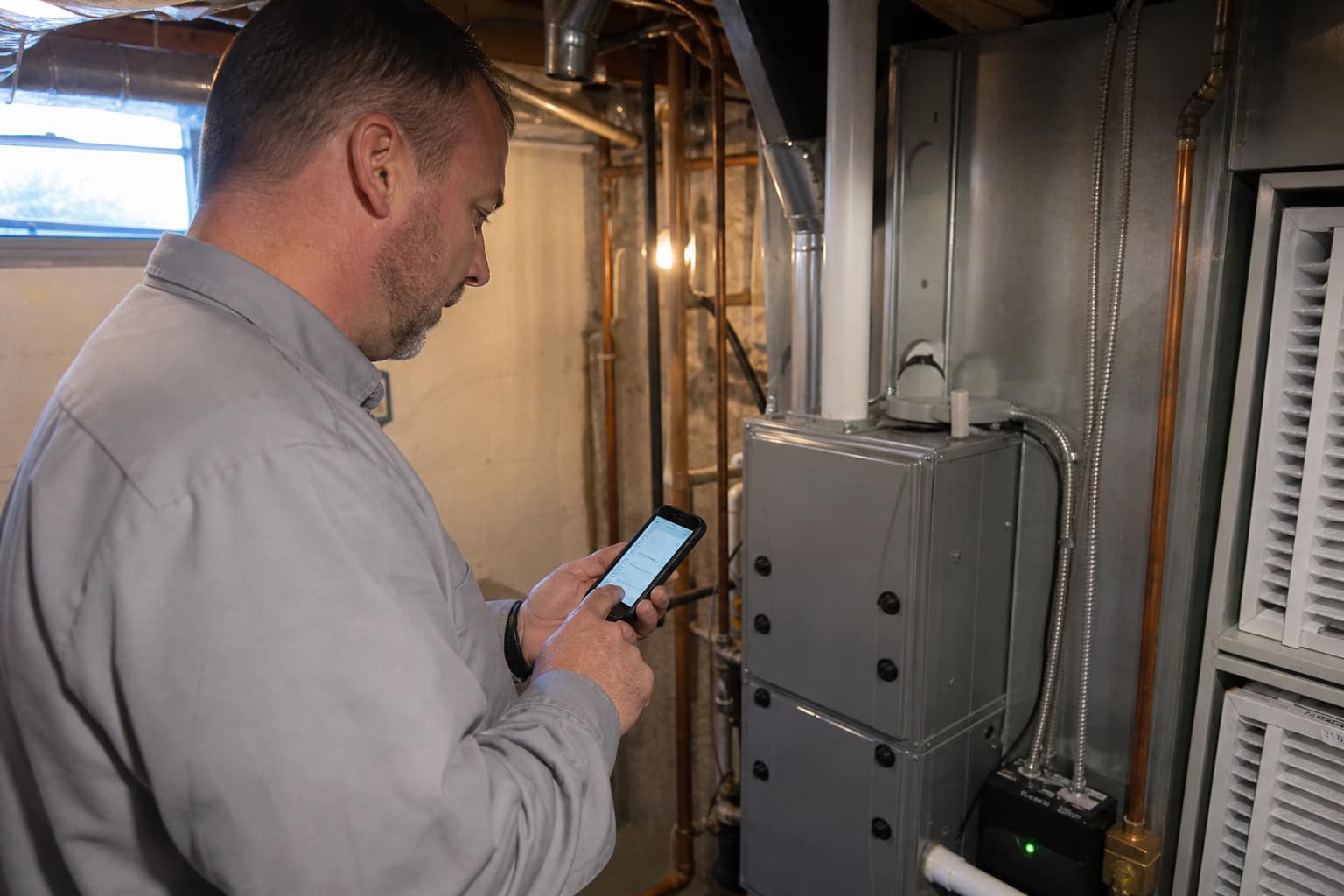
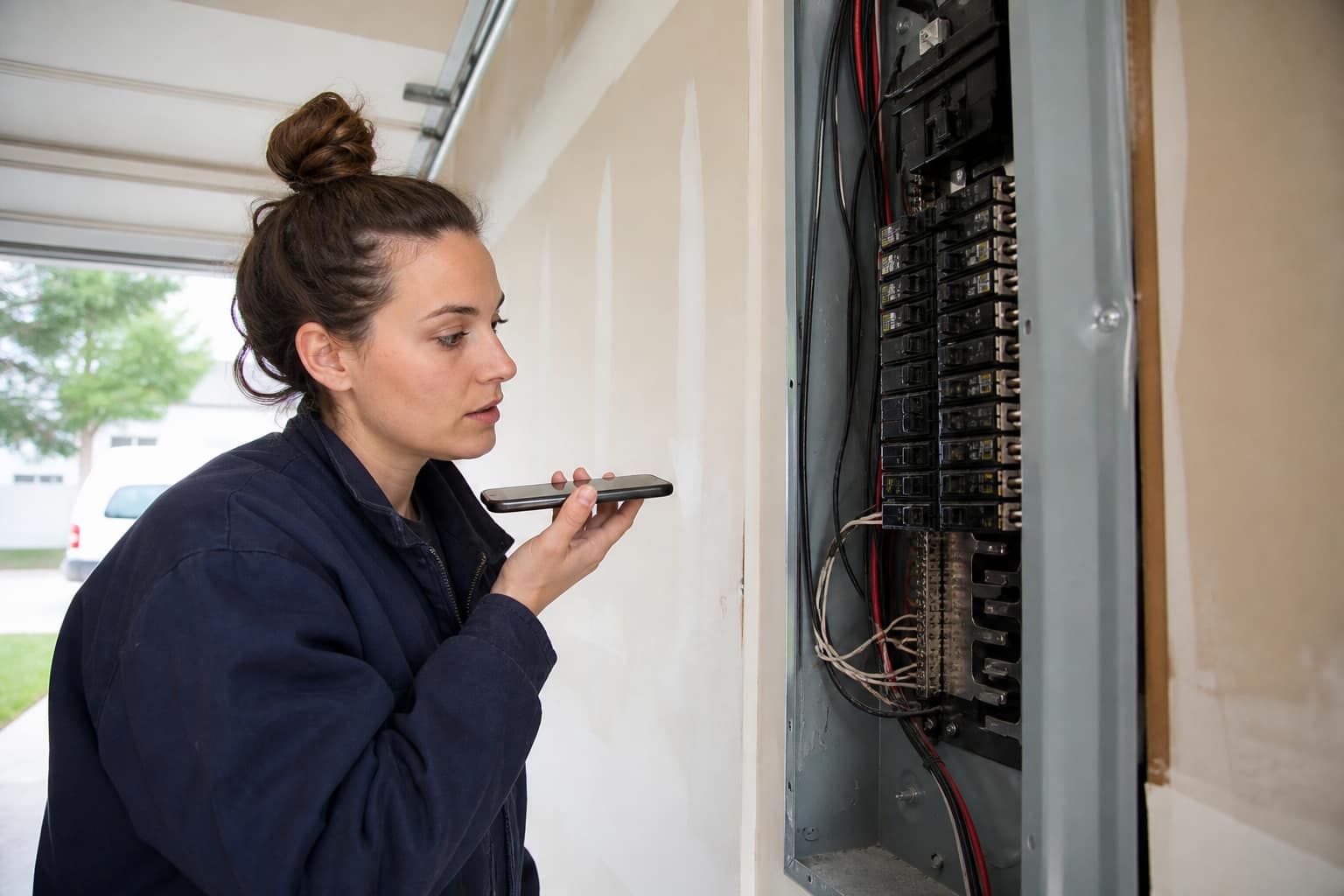
Yes. Type it, or talk it — the phone turns speech into a note on the job. Tag @someone on the team. Notes are internal. The customer sees photos on the invoice and the punch list on the tracker, not the crew thread.
Can field teams complete checklists?
Yes. Drop an insurance walk, HVAC install, water heater, panel, or drain template on the job, or add your own lines. It stays on the job. Jobber visit forms die when the visit closes. This one does not.
Can photos be marked up?
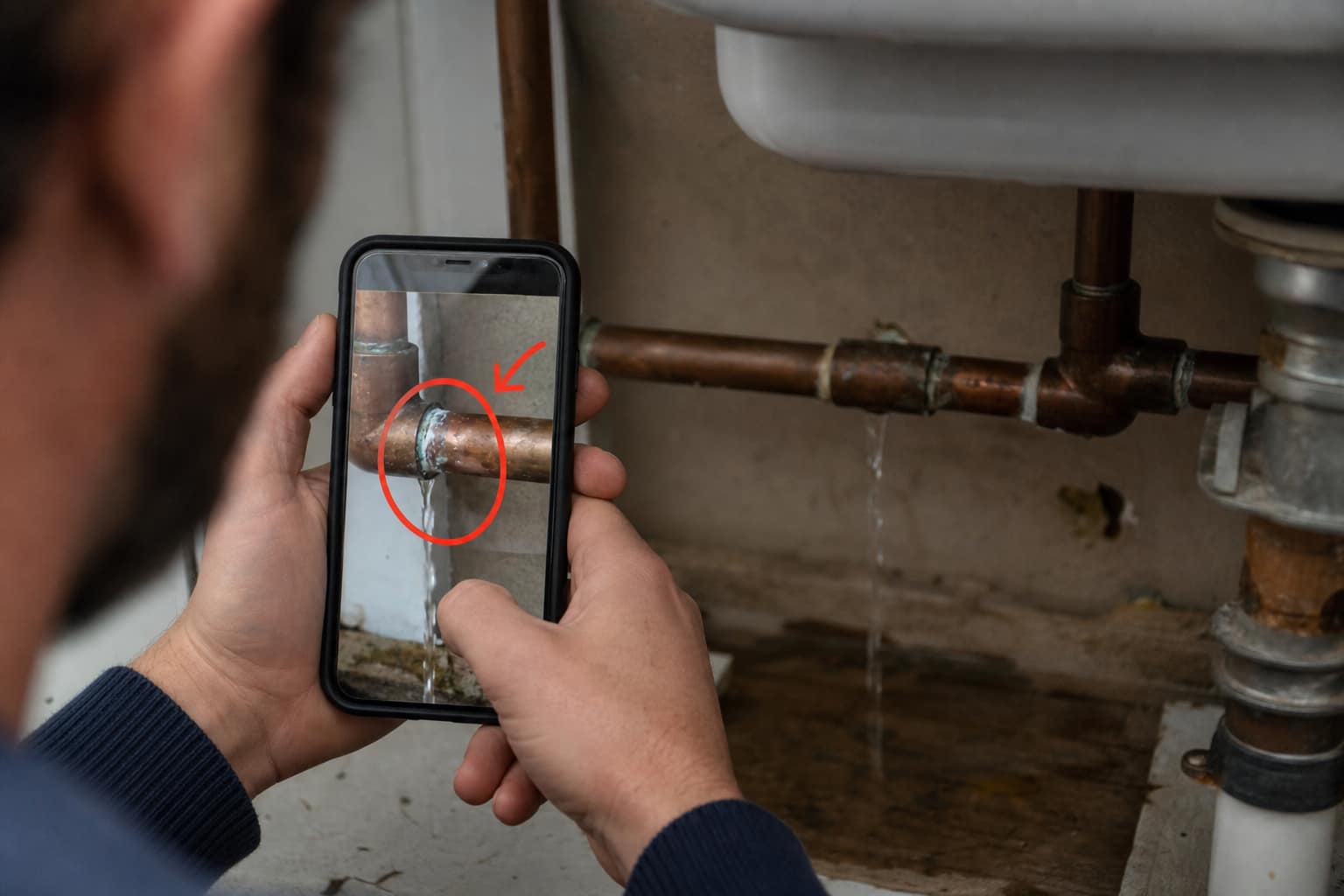
Yes. Open a photo, circle the problem, save. The marked image is the job file. Use it so the office and the next tech see the joint, not a riddle.
Do you store jobsite video like Jobber?
Not yet. Photograph the walkthrough and talk the note. We will not pretend a 4K dump into the database is a product. Photos are tagged, marked, and tied to the job today.
Does this work offline?
No. Be honest: you need a signal to save. If you are in a basement, shoot the photos on the camera roll and add them when you walk outside. We do not claim Jobber’s offline story.
How is this different from CompanyCam or a camera roll?
A photo app is a photo app. This is the job. Photos go on the invoice, feed Social Boost, sit next to the house file and the punch list, and the customer can approve found work on the same tracker.